
Fast Image Browsing Workflows on macOS
Why context matters more than speed
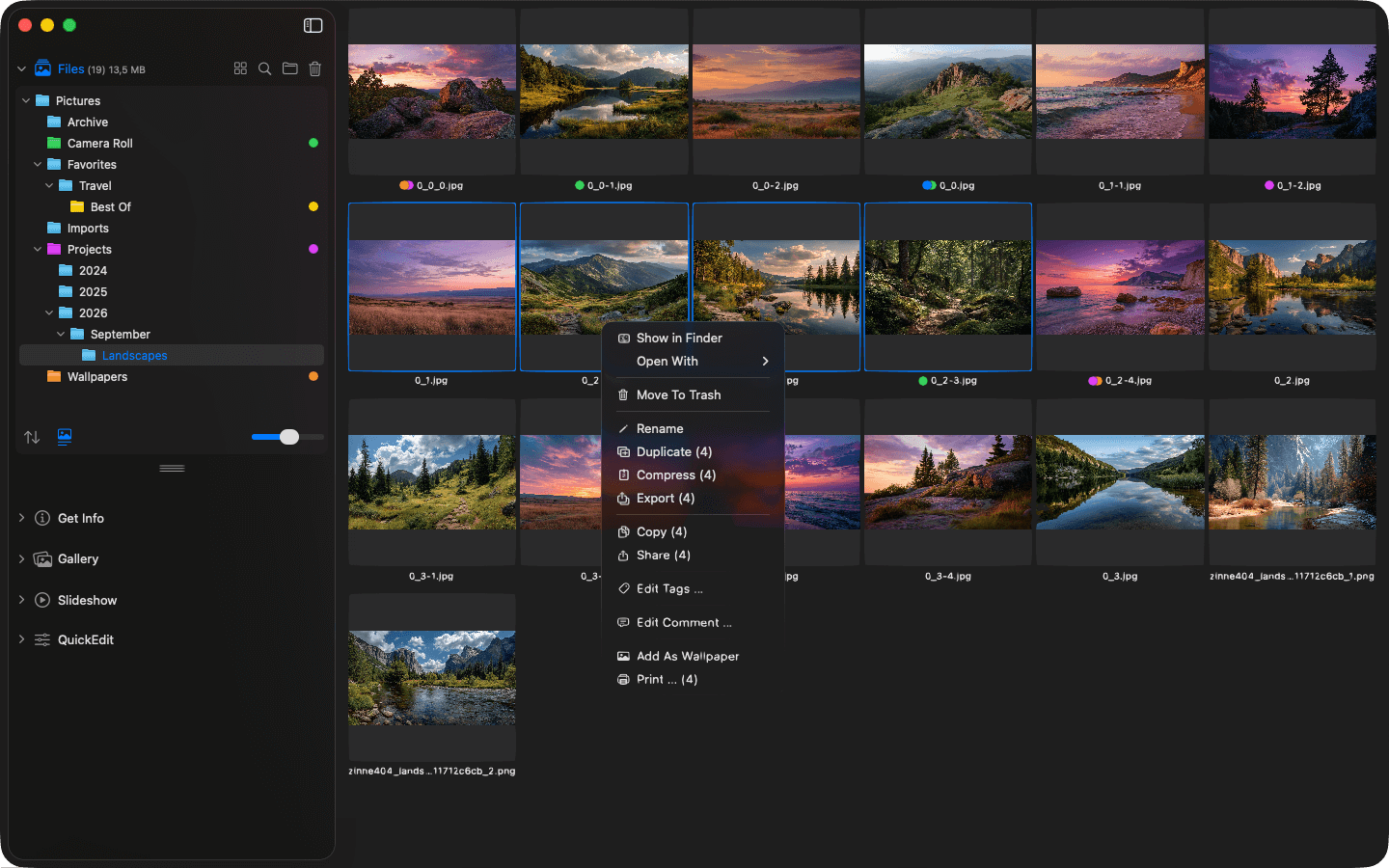
Visual context while browsing images
When you work with images regularly, it's rarely about viewing a single picture. It's about series, variants, similar motifs, or versions. This is exactly where an image browsing workflow on macOS either feels smooth or becomes unnecessarily exhausting.
Interestingly, the problem is often not about raw performance. Modern Macs are fast enough. The real bottleneck is something else entirely: the loss of context.
Image Browsing Is an Emotional Process
When reviewing images, your brain constantly builds relationships. What belongs together? What's different? What stands out? This process works best when images remain visible in context.
As soon as that context is broken – by constantly switching between views, windows, or display modes – your concentration is disrupted. And it's precisely these interruptions that make reviewing images in a viewer exhausting over time. That's why "fast image browsing" is less about load times and more about how well a tool preserves visual context.
Why Folder-Based Image Viewers Have the Edge
Many traditional ways of viewing images on macOS are file-centric. They work fine for checking individual files but hit their limits when larger image collections are involved or comparisons become important.
Folder-based image viewers take a different approach: they display content not in isolation, but as a cohesive visual surface. This keeps the overview intact, even when switching between images or examining details.
Phiewer is an example of exactly this approach. Instead of prescribing a specific workflow, the app works directly with your existing folder structure and makes images, videos, and other media instantly visible – no import or preparation required.
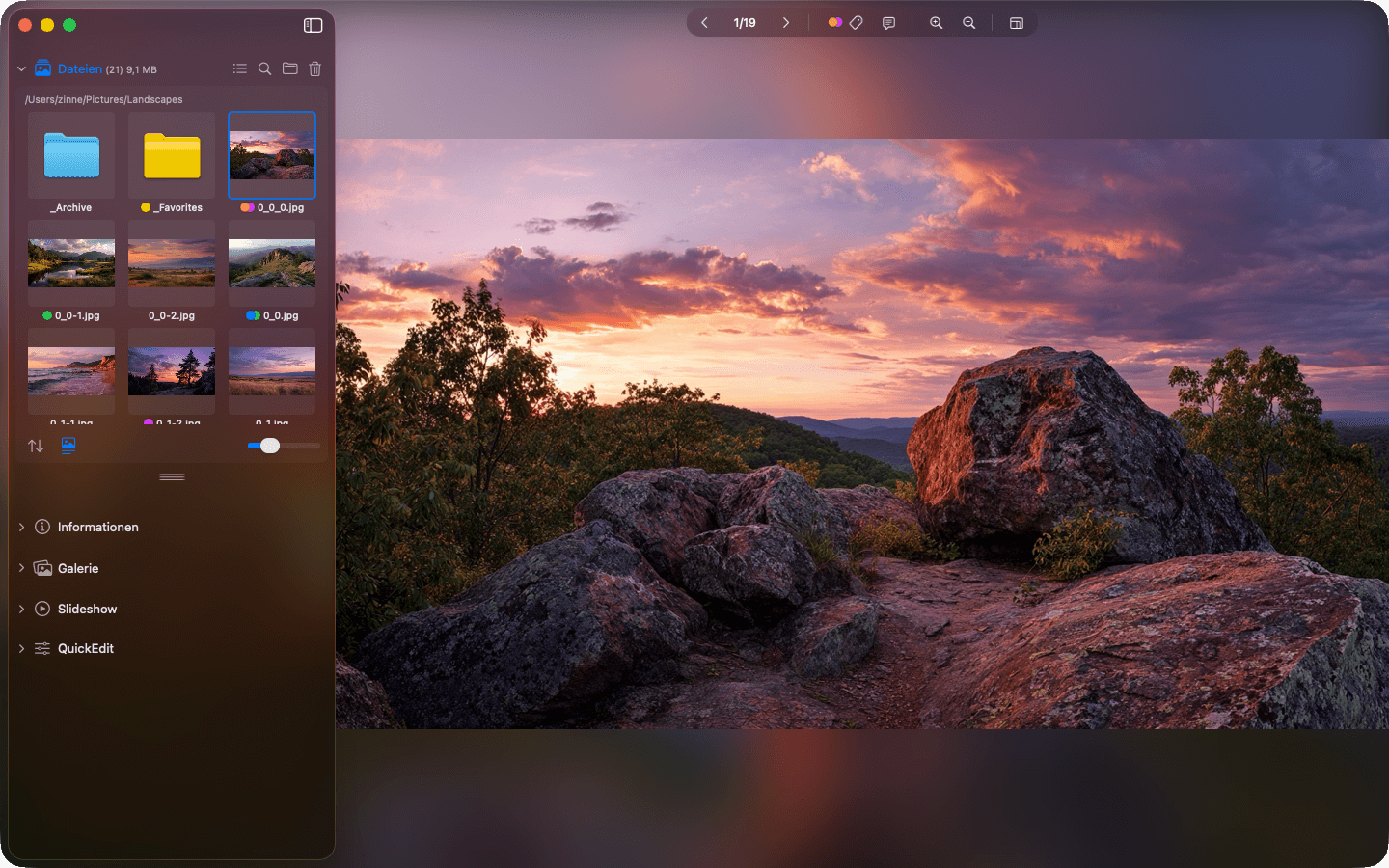
Image browsing on macOS
Small Details, Big Impact
What truly makes a workflow fast isn't spectacular features, but details:
- • Switching between images without delay
- • Metadata is there when you need it – and invisible otherwise
- • Different views adapt to the moment
- • Keyboard shortcuts replace micro-decisions
These things don't save hours at once. But they save minutes every day – and above all, your nerves.
Bottom Line
A good image browsing workflow on macOS keeps context intact. It lets you see images as a series, make decisions through comparison, and stay focused. Speed matters – but what matters even more is how little the tool interrupts your flow of thought.